 Custom Mailer Boxes
 Custom Shipping Boxes
 Custom Cardboard Boxes
 Custom Kraft Boxes
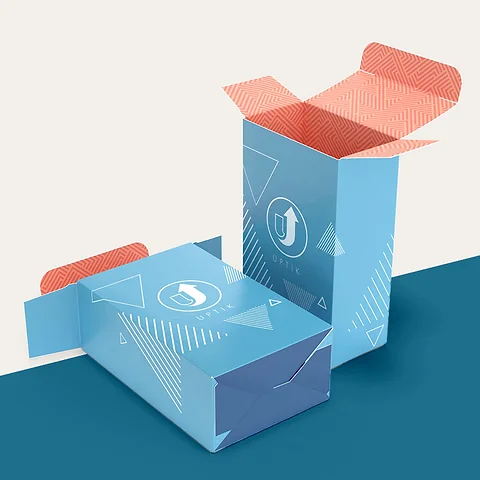 Custom Product Boxes
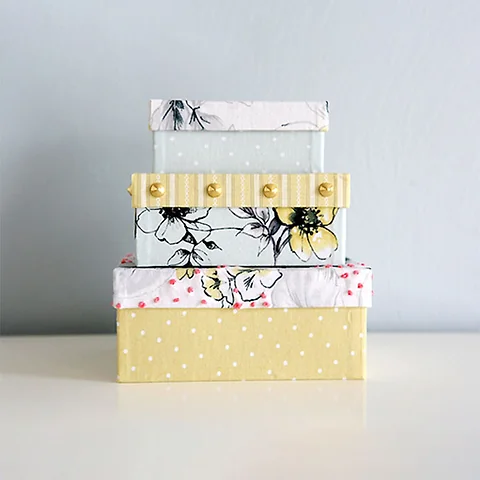 Custom Retail Boxes
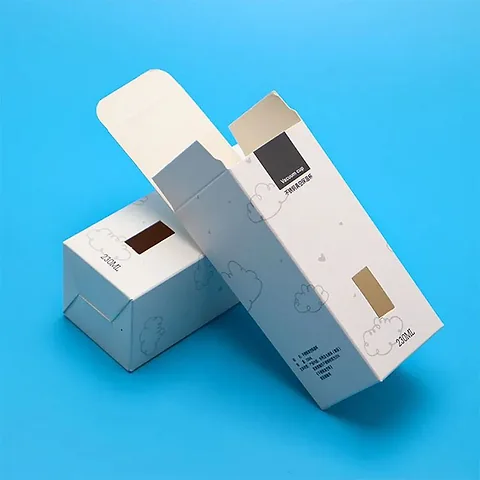 Custom Tuck End Boxes
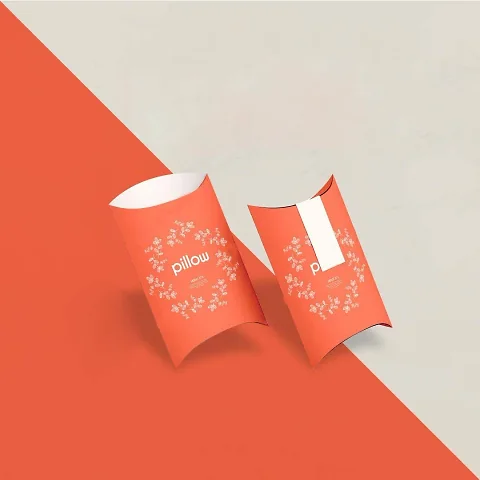 Custom Pillow Boxes
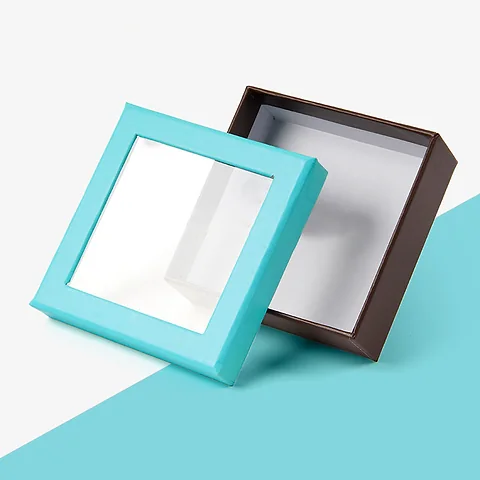 Custom Window Boxes
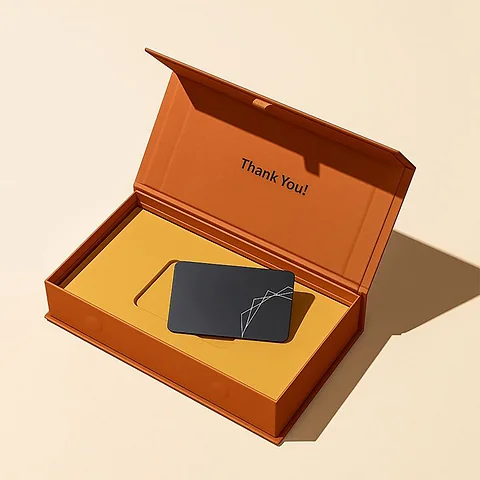 Custom Rigid Boxes
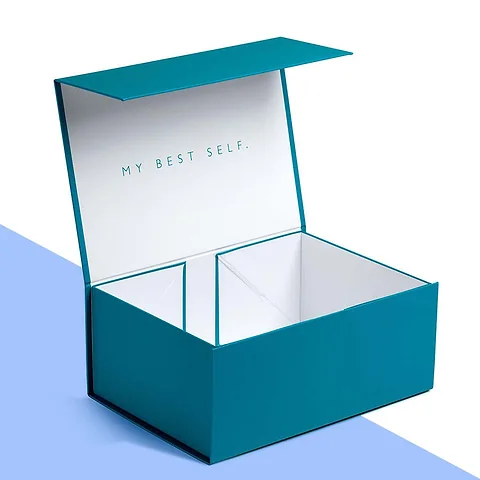 Custom Gift Boxes
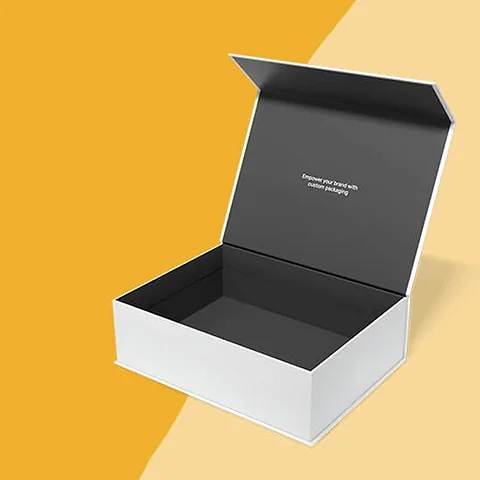 Custom Magnetic Boxes
 Custom Sleeve Boxes
 Custom Printed Boxes
 Custom Boxes with Logo
 Custom Box Inserts
Custom Video Brochure Boxes
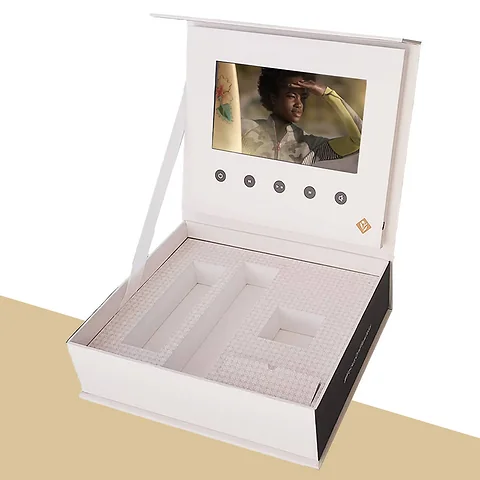
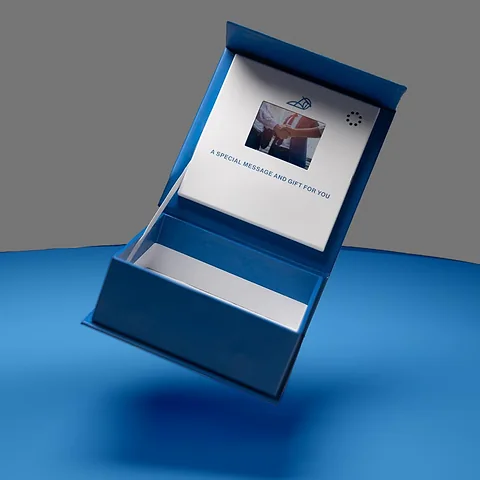
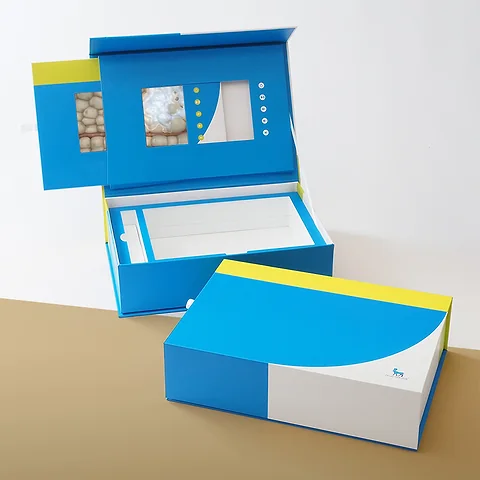
Custom video brochure boxes combine a printed presentation box with a built-in screen that starts playing your video as soon as the lid lifts. They suit product launches, high-value sales pitches and invitations where a flat brochure would be forgotten by the end of the week.
- Design proofFree, approved by you before printing
- PriceCustom quote by email within one working day
- Production4–7 working days after proof approval
- DeliveryFree and tracked, UK mainland, 2–3 working days
- Misprints or damageReported within 10 days, reprinted or refunded
How a Video Box Works
Inside the lid sits a slim LCD screen with a small rechargeable battery, speaker and memory. A tiny switch triggers playback when the lid opens and pauses it when the lid closes. Buttons below the screen let the viewer replay, skip or adjust the volume, and a USB port on the side recharges the battery and lets you load new videos.
The base of the box is free for whatever you want to send alongside the video. That might be a product sample, a printed brochure, a USB stick, a gift or simply a card insert with your contact details. The whole package arrives looking like a premium gift box, then surprises the recipient with sound and moving pictures.
Battery life depends on the screen size and how many times the video is played, but a fully charged box will comfortably handle repeated viewings over several days. We charge the boxes before dispatch, so recipients can watch straight away without looking for a cable.
Where Video Boxes Earn Their Cost
Because each box carries electronics, video brochure boxes cost more than a printed box, so they work best where one meeting or one decision is worth a lot. Typical uses include the following, with a printed presentation box the fallback where the screen is not justified:
- Product launches sent to key buyers and retailers
- Sales packs for medical, property and machinery sales teams
- Investor and partner packs for new ventures
- Premium event invitations and awards
- Onboarding kits for senior hires or key clients
- Brand presentations left behind after a pitch
Often ordered by
- Product marketing teams
- Medical and pharmaceutical sales teams
- Property developers and estate agents
- Machinery and engineering suppliers
- Event and awards organisers
- Agencies pitching to major clients
- Start-ups preparing investor packs
Popular Video Brochure Boxes Sizes
Sizes are in mm. Every order is cut to your size, so any size between these rows is fine.
| Size | Often used for |
|---|---|
| Compact screen box 160 x 120 x 30 mm | Short welcome or thank-you video |
| Mid-size presentation box 230 x 170 x 40 mm | Sales pitch with a printed brochure |
| A4 folder format A4 297 x 210 x 20 mm | Desk presentations that open like a book |
| Large demo box 300 x 240 x 60 mm | Product demonstrations with a sample in the base |
| Invitation box 200 x 150 x 35 mm | Event invitations and award announcements |
Not sure of the size? Send the product measurements and we work out the rest.
Styles
- Hinged rigid box with screen in lid
- Two-piece lid and base
- Book-style folder
- Magnetic closure presentation box
Materials
- Rigid greyboard with printed wrap
- Foam inserts
- Printed card trays
- Full colour CMYK
- Pantone matching
- Lid surround print around the screen
Finishes
- Soft-touch lamination
- Gloss lamination
- Hot foil
- Embossing
- Spot UV
Extras
- LCD screen from small to large formats
- Rechargeable battery with USB charging
- Playback buttons
- Preloaded video
- Magnetic closure
See the board and finish guide for what each option looks like.
Production and Delivery
Production takes 4–7 working days after you approve the free design proof. Delivery to the UK mainland is free and tracked, and arrives in 2–3 working days once the order leaves production. The tracking link comes to you by email.
Reprints and Refunds
Check the order when it arrives. If anything is misprinted or damaged, report it within 10 days with a photo and we reprint or refund the items affected. Read the full returns and reprints policy.
Need it by a date?
Tell us the date with your sizes and we plan the proof and production around it.
Video Brochure Boxes Specification
| Style | Hinged rigid box with screen in lid, Two-piece lid and base, Book-style folder, Magnetic closure presentation box |
|---|---|
| Material | Rigid greyboard with printed wrap, Foam inserts, Printed card trays |
| Full colour CMYK, Pantone matching, Lid surround print around the screen | |
| Finish | Soft-touch lamination, Gloss lamination, Hot foil, Embossing, Spot UV |
| Extras | LCD screen from small to large formats, Rechargeable battery with USB charging, Playback buttons, Preloaded video, Magnetic closure |
| Size | Made to your size in mm |
| Minimum order | Low, quoted per job |
| Price | From £0.25 a box; custom quote by email within one working day |
| Proof | Free design proof before printing |
| Production | 4–7 working days after proof approval |
| Delivery | Free tracked UK mainland delivery, 2–3 working days |
Choosing Screen Size and Box Format
Screen sizes typically range from about 4.3 inches to 10 inches. A smaller screen keeps the box compact enough to post and suits a short welcome video. Larger screens give a real presentation feel and suit demonstrations of machinery, properties or software. Memory capacity and battery size scale with the screen, so longer videos are best paired with larger formats.
The box itself can be a hinged rigid box, a two-piece box with a lid that houses the screen, or a folder-style presentation that opens like a book. A rigid hinged box gives the most protection to the screen and is the easiest to post. A folder format is slimmer and lies flat on a desk, which some sales teams prefer when they present in person.
Printing and Finishes
The outer wrap is printed in full colour on paper laminated over a rigid greyboard core. Soft-touch lamination with hot foil is a common choice for corporate packs, while gloss lamination suits bright consumer brands. We can print the inside of the lid around the screen frame, so your branding surrounds the video like a picture frame.
In the base, a printed card or foam insert holds whatever accompanies the video. Foam inserts suit samples or devices that need cushioning, while a printed card tray works well for brochures and USB sticks. A magnetic closure keeps the lid shut in transit so the video does not start playing inside a courier bag.
Lighting and contrast also matter on a small screen. Bright, simple shots with large on-screen text read far better than detailed slides or dark footage, so ask your editor to preview the video at the actual screen size before sending it over. If the box carries a printed brochure as well, keep the video and the brochure telling the same story in the same order, so the recipient can flick through the pages while the video plays and both pieces reinforce each other rather than competing for attention.
Keep a copy of the final video file and the artwork together, so reorders for a later campaign can be loaded and printed without anyone hunting for the right version. Small changes such as a new contact name or an updated price list can then be made quickly before the next batch goes out.
Preparing Your Video
Most screens play common formats such as MP4. Keep the video short and to the point; the opening moments matter most, because many recipients will watch once on opening and then come back later, perhaps with the printed brochure booklet packed beneath it. Subtitles help when the box is opened in an office where sound is not welcome.
We can preload your video before dispatch so the box is ready to send straight out. If you will update the content later, the USB port lets you replace or add files without opening the box. Include a short note telling the recipient how to recharge it so the box keeps working long after the first viewing.
Planning a Video Box Campaign
Video boxes work best when they are part of a planned follow-up rather than a one-off surprise. Decide who will receive a box, what you want them to do after watching, and who will contact them afterwards, as you would for any corporate gift box campaign. Many sales teams send the box, then call a few days later to ask what the recipient thought of the video, which gives a natural reason to pick up the phone.
Personalisation adds a lot for a small extra effort. A printed name on the lid surround, a signed note card in the base, or a short opening clip that mentions the recipient's company can make the package feel made for them. If you plan different videos for different audiences, we can load separate files onto separate batches and mark the outer boxes so they do not get mixed up.
Think about the return journey too. Some businesses ask recipients to send the screen back for reuse, or collect demo boxes at the end of a trade event. If that matters, choose a sturdy hinged rigid box and a foam insert, because they stand up to being handled, posted and reopened far better than a lighter folder format.
Finish the Video Before the Box, Because the Screen Is Chosen Around It
A video box is built around the film, so edit that first. The length and the aspect ratio decide the screen size, and the screen size decides the box format and the lid surround, so a short widescreen film points to a compact box where a longer demo wants a larger screen. Save it in a common format such as MP4 and send a copy with the brief. Then list what sits in the base so the insert can be drawn, and give the deadline, because electronic components have their own lead time.
Tell us the screen size, the quantity and the deadline, and a custom quote comes by email within one working day with a free design proof showing the outer wrap, the lid surround and the insert; component lead times are confirmed on the quote before you commit. The printed parts follow 4 to 7 working days after proof approval, with free tracked delivery to UK mainland addresses in 2 to 3 working days once the boxes are assembled, and minimums are quoted per job for small targeted runs. Teams that follow up by post usually add printed folded brochures in the same artwork.
Design Your Video Brochure Box
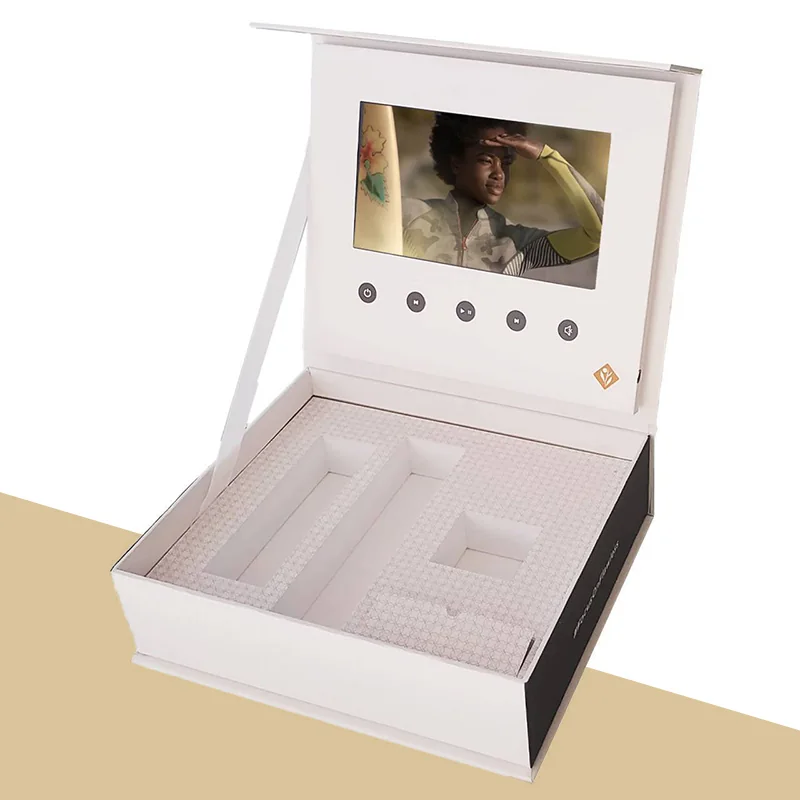
Choose the video brochure boxes photo closest to what you have in mind, add your logo, drag it into place and set the size. Send it with your sizes and we reply with a custom quote and a free design proof.

Drag the logo, or select it and use the arrow keys (Shift moves faster, + and − resize).
Related Products
Other packaging that is often ordered alongside video brochure boxes.
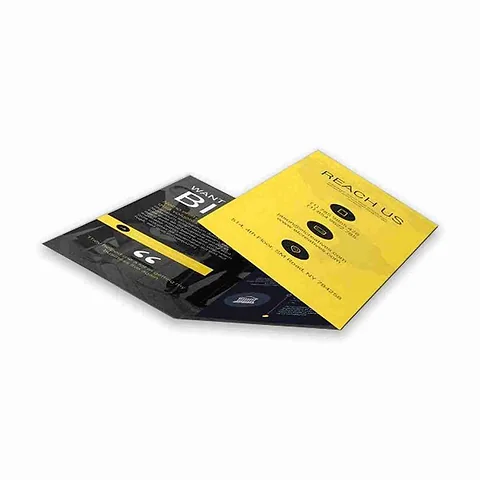
Folded Brochures
Custom folded brochures turn one printed sheet into a neat, panelled leaflet that guides a reader from a cover to the details…
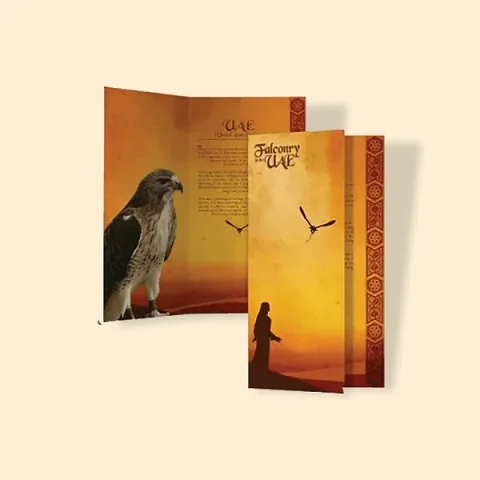
Brochure Booklets
Custom brochure booklets are multi-page printed guides held together with two wire staples along the spine, giving you room to…
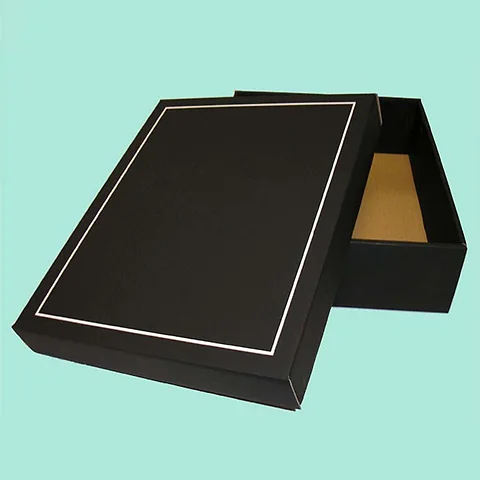
Custom Presentation Boxes
Custom presentation boxes are made for the moment something is handed over: an award on a stage, a long-service gift, a press…
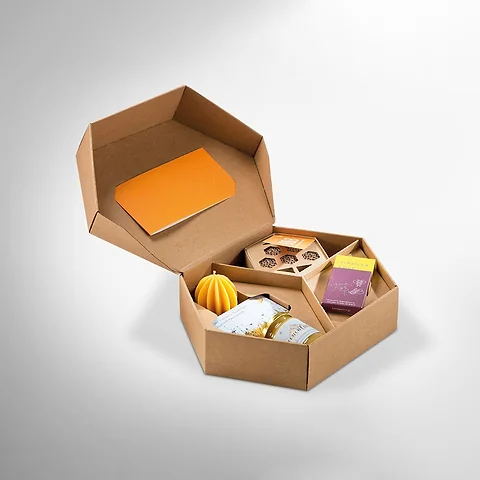
Corporate Gift Boxes
Custom corporate gift boxes package staff welcome kits, client thank-you gifts and event packs in boxes printed with your…
Video Brochure Boxes Questions
What buyers ask before ordering video brochure boxes.
How does the video start playing?
A small switch in the box detects when the lid opens and starts playback automatically. Closing the lid pauses or stops the video.
What screen sizes can you fit?
Screens typically range from about 4.3 to 10 inches. We will suggest a size based on your video, the box format and how the box will be delivered.
Can the recipient recharge the battery?
Yes. The box has a USB charging port, and we can print a short note inside the lid explaining how to recharge it.
Can we update the video after the boxes are sent?
The USB port lets you load new files, so a sales team can refresh the video between presentations without replacing the box. Keep the file name the same so the player picks it up automatically.
What video formats work?
Most screens play common formats such as MP4. We will confirm the format and resolution for your chosen screen when we send the custom quote.
Can we include a product sample in the box?
Yes. The base can hold a foam or card insert shaped around a sample, brochure, USB stick or small gift.
Will the video start playing in transit?
A magnetic closure keeps the lid shut while the box is in the post, so the trigger is not activated until the recipient opens it. We still suggest an outer mailer so the wrap arrives clean.
Can you preload our video before delivery?
Yes. Send us the final file and we can load it before dispatch so the boxes are ready to send out.
Are video brochure boxes suitable for small runs?
They are often ordered in small runs for targeted campaigns. Minimums are quoted per job, so you can order just the number you need for key contacts.
Can we print around the screen?
Yes. The inside of the lid is printed around the screen frame so your branding surrounds the video.
How long does a video box take to make?
The printed parts take 4–7 working days after you approve the free proof. Electronic component lead times vary, so we confirm the full timeline on your custom quote before you commit.
Get a Price for Your Video Brochure Boxes
Fill in as much as you know. Sizes are in mm (internal sizes for boxes). If you have artwork, attach it; if not, a logo is enough to start the proof.
We reply with a custom quote by email within one working day, then send a free design proof before anything is printed.
- Phone+44 7578 382054
- WhatsAppMessage us
- Emailinfo@shopcustomboxes.co.uk
- HoursMonday to Friday, 9 am to 5.30 pm UK time
- OfficeOffice 704, 85 Dunstall Hill, Wolverhampton, WV6 0SR