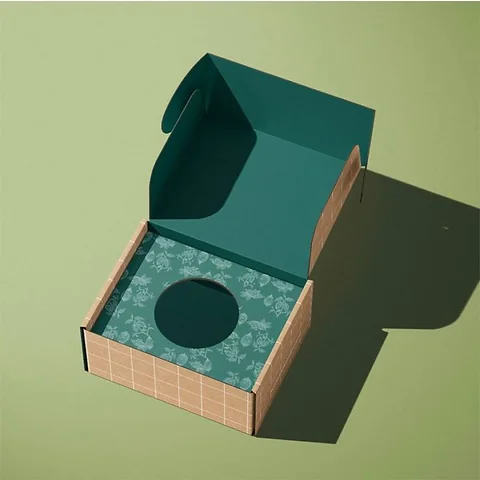
 Custom Mailer Boxes
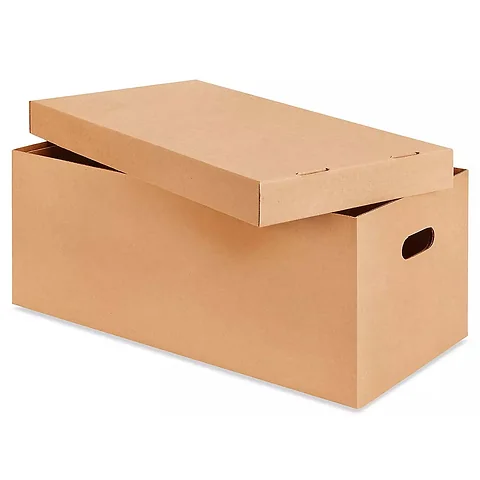 Custom Shipping Boxes
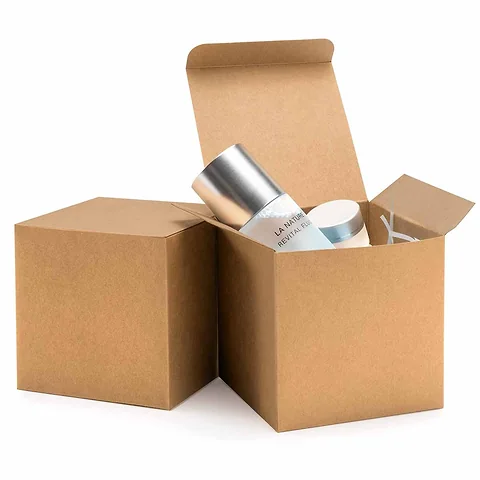 Custom Cardboard Boxes
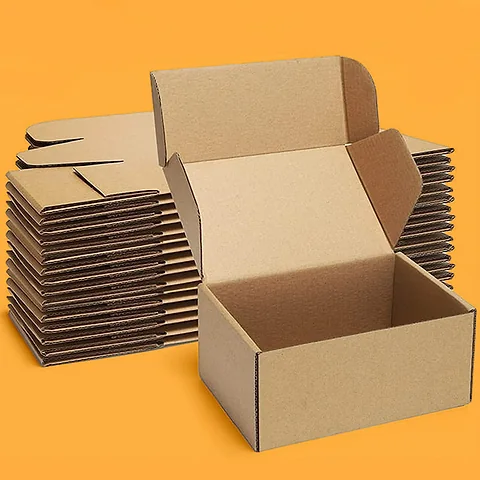 Custom Kraft Boxes
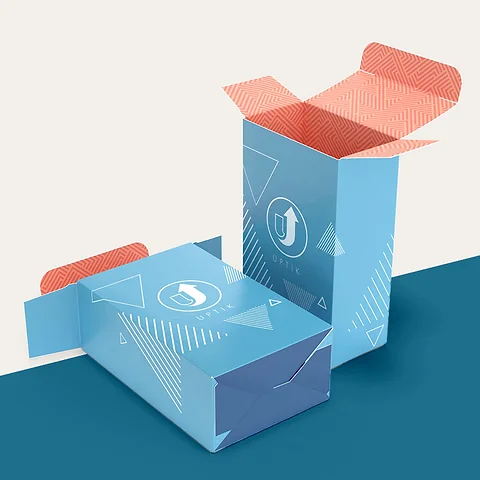 Custom Product Boxes
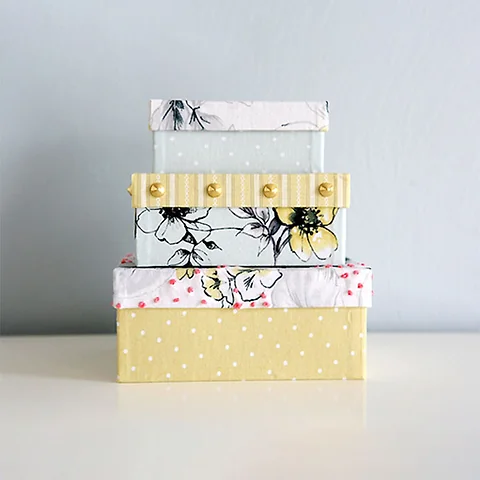 Custom Retail Boxes
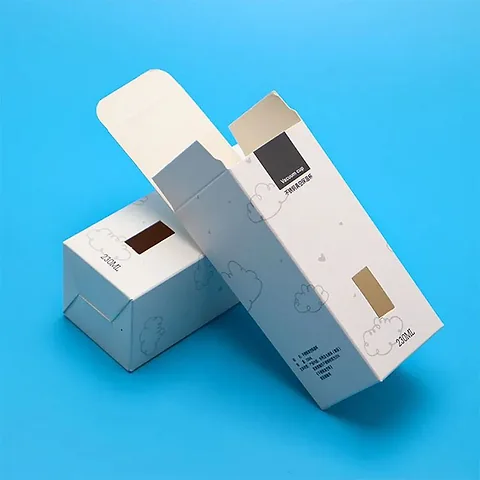 Custom Tuck End Boxes
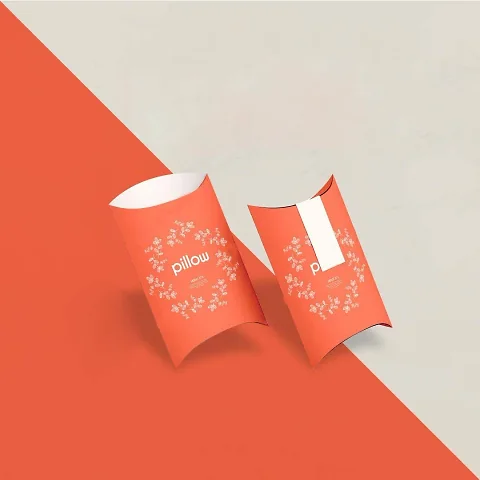 Custom Pillow Boxes
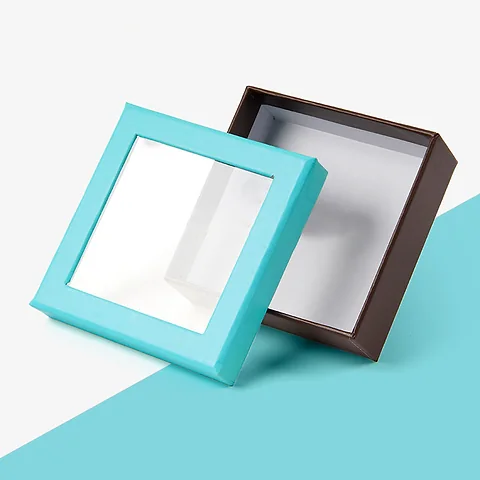 Custom Window Boxes
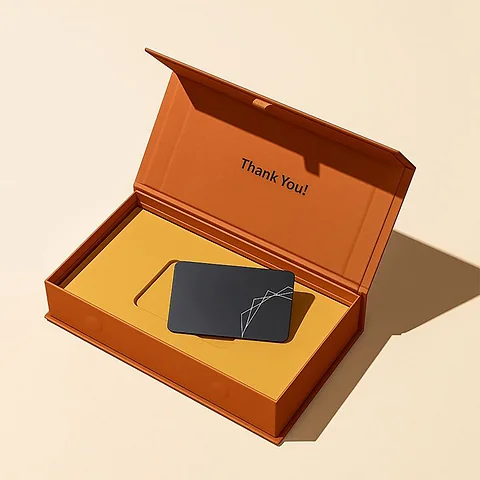 Custom Rigid Boxes
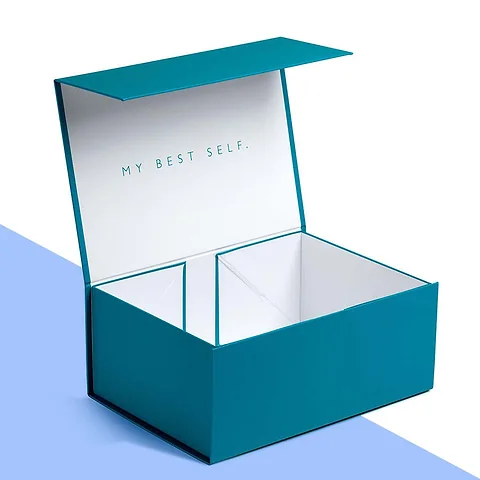 Custom Gift Boxes
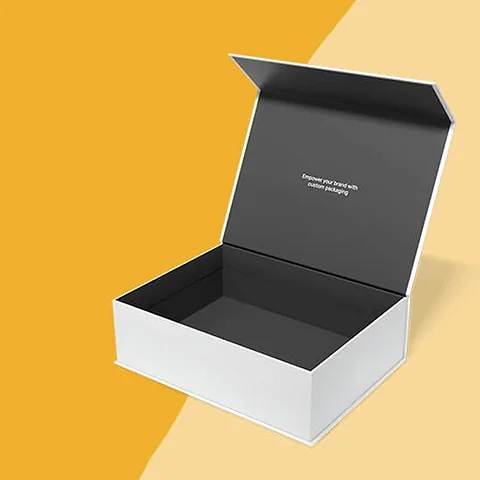 Custom Magnetic Boxes
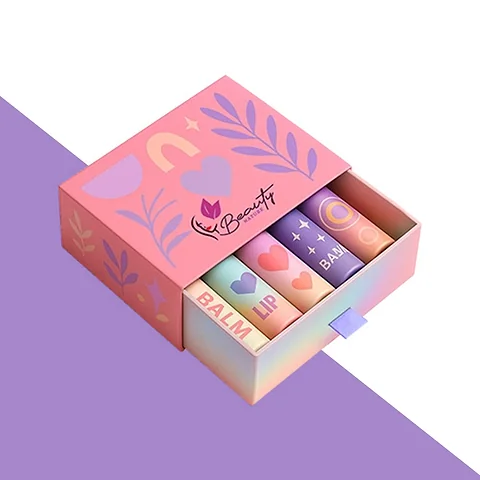 Custom Sleeve Boxes
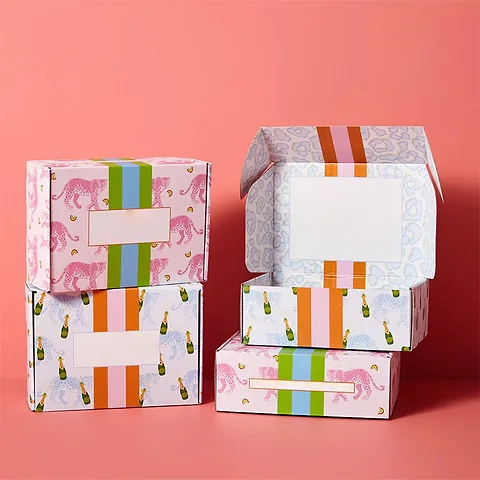 Custom Printed Boxes
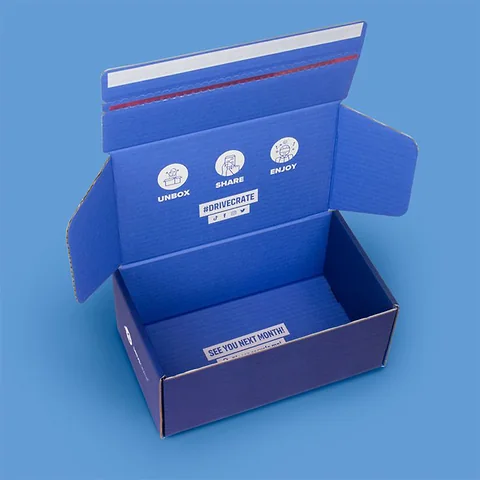 Custom Boxes with Logo
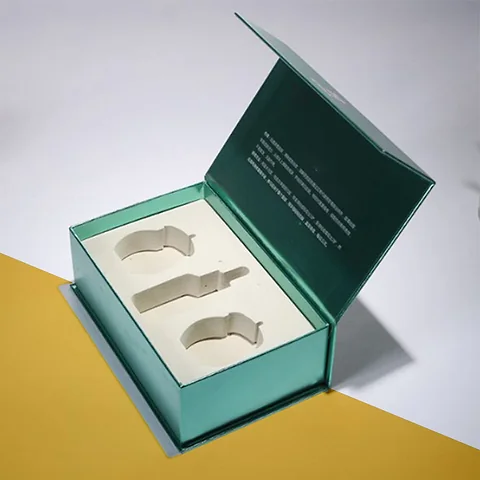 Custom Box Inserts
Design Your Box
Pick a real box photo, upload your logo and move it into place. Send the picture with your sizes and we reply with a custom quote and a free design proof.
Try Your Logo on a Box
Choose a box photo, upload your logo, then drag it or use the arrow keys. The size slider scales it and the centre button resets it.
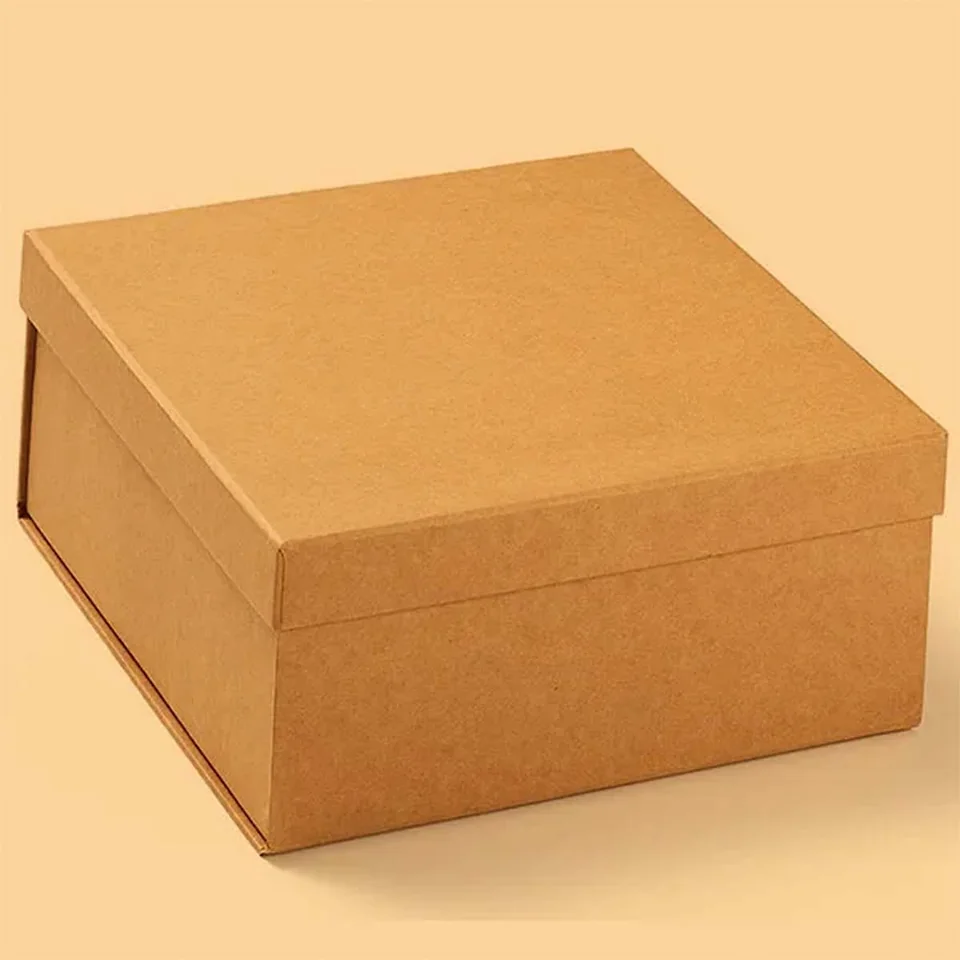

Drag the logo, or select it and use the arrow keys (Shift moves faster, + and − resize).
How It Works
- Pick a box. Each photo is a real box we make. Choose the one closest to the style you want.
- Upload your logo. A PNG with a transparent background looks best; JPG, WebP and SVG also work.
- Place it. Drag the logo, or select it and use the arrow keys. Hold Shift to move faster, and use the slider or the + and − keys to resize.
- Send it. Add your sizes, quantity and email. The picture is sent with your request.
What Happens Next
The picture shows our team where you want the logo and how large. Within one working day we reply with a custom quote. Once you are happy with the price, we send a free design proof: the exact flat layout of your box with the artwork placed to size, ready for you to approve or change.
Want More Than a Logo?
For full colour patterns, inside print or several panels of artwork, use the custom quote form with artwork upload and attach your file, or read about custom printed boxes.
Design Your Box Questions
Short answers to the questions we are asked most. Not covered here? Ask your own question and we reply by email.
Is Design Your Box free to use?
Yes. Try as many box photos and logo positions as you like.
What logo file can I upload?
PNG, JPG, WebP or SVG. A PNG with a transparent background looks best on the photo.
Is my logo stored anywhere?
It stays in your browser until you send the form. When you send it, the picture goes to our team with your request.
Is the picture an exact proof?
No. It shows placement and scale. The free design proof we send afterwards is the exact layout.
Can I move and resize the logo?
Yes. Drag it, use the arrow keys, or use the size slider. The centre button resets the position.
Can I try it on a different box?
Yes. Click any box photo to switch.
What happens after I send my design?
We reply by email within one working day with a custom quote and then a free design proof.
Can I send full artwork instead?
Yes. Use the quote form and attach your artwork file.
Does it work on a phone?
Yes. Drag the logo with your finger and use the slider to resize.
Do I have to give sizes?
It helps, but if you do not know them yet, send what you have and we will ask.